
How to Measure Cell Signal Before Buying a Signal Booster
Record RSRP, SINR, band and cell ID at the right outdoor and indoor points so a supplier can design a booster system instead of guessing.
On this page
Most booster projects start with a sentence like “the signal is bad in the warehouse.” That sentence is not design input. A supplier cannot tell whether the site needs a larger host, a different donor antenna, more service antennas or a different technology until the signal is expressed in numbers and locations.
This guide explains what to measure, where to measure it, and how to present the result so that the first quotation is based on the site rather than on a guess. You do not need a laboratory. A phone, a floor plan and twenty minutes of walking are enough to start.
What numbers should you record?
Five values turn a complaint into a measurement:
- RSRP (Reference Signal Received Power) in dBm — the strength of the serving cell.
- SINR (Signal-to-Interference-plus-Noise Ratio) in dB — how clean the signal is.
- Band — the LTE or 5G band number the phone is using.
- Cell ID / PCI — which sector is serving the phone.
- Location — where the reading was taken, with a description such as “roof edge, north side” or “aisle 12, 1.5 m height”.
If your phone also shows RSSI, RSRQ, EARFCN or NR-ARFCN, record them. More context helps, but RSRP, SINR, band and cell ID are the minimum useful set.
| Reading | What it describes | How to use it |
|---|---|---|
| RSRP | Signal strength | Compare outdoor and indoor; check the booster input range |
| SINR | Signal quality | Distinguish a clean weak signal from a strong noisy one |
| Band | Frequency layer | Confirm the booster covers the network in use |
| Cell ID / PCI | Serving sector | Repeat readings on the same sector for a fair comparison |
| RSRQ | Signal quality indicator | Useful when SINR is not available |
| RSSI | Total received power | Less specific on LTE; record as supporting data |
Do not use phone bars for design. Bars are vendor-specific and non-linear. Two phones side by side can show different bar counts for the same RSRP.
How do you read RSRP and SINR on a phone?
On many Android phones, the field-test screen is reached through a dial code such as *#*#4636#*#*, and the exact menu varies by manufacturer. On iPhone, the field-test screen is usually reached through *3001#12345#*, but the available pages and labels change between iOS versions. Measurement apps can also display RSRP, SINR, band and cell ID, often with a map or logging function.
Use whichever method you can repeat. The important thing is to record the phone model, the operator, the band and the location, not to find the most advanced screen. If a reading is taken on a different phone or a different band, it is not directly comparable.
A practical RSRP interpretation for LTE planning:
| RSRP | Typical interpretation |
|---|---|
| -80 dBm or better | Strong outdoor signal; good donor candidate |
| -80 to -90 dBm | Good outdoor signal; suitable for most systems |
| -90 to -100 dBm | Usable but marginal; antenna gain and cable loss matter |
| -100 to -110 dBm | Weak; treat as a donor-link project |
| Below -110 dBm | Very weak; confirm before promising indoor coverage |
SINR is equally useful:
| SINR | Typical interpretation |
|---|---|
| Above 20 dB | Clean signal; good data performance |
| 13-20 dB | Good; normal operation |
| 0-13 dB | Usable but degraded; interference or weak serving cell |
| Below 0 dB | Poor; data may stall even if RSRP looks acceptable |
These ranges are planning guidance, not operator guarantees. Different networks and load conditions shift the boundaries.
Where should you test around the building?
Test outdoors first, then indoors. The outdoor reading establishes whether a booster has anything useful to amplify. The indoor reading establishes how much the building removes.
| Test point | Why it matters |
|---|---|
| Roof or highest accessible point | Candidate donor position with the clearest path to the tower |
| Four building facades | Finds the side with the strongest serving sector |
| Proposed cable entry point | Confirms the reading is not lost at the actual installation route |
| Worst indoor room or zone | Establishes the coverage gap to be closed |
| Middle of each floor | Shows whether the problem is local or floor-wide |
| Basement and stairwell | Confirms whether a separate branch is needed |
| Main work aisles (warehouse) | Links coverage to scanners, forklifts and AGVs |
| Lift lobby and lift car | Checks the metal enclosure effect |
Take at least three readings at each outdoor position, a metre or two apart. A single reading can land in a local null. If the values vary by more than 10 dB within a small area, note it; antenna placement will matter.
For a multi-floor building, sketch the floors and mark the readings. A table of numbers without a plan is hard to design against. A plan with five or six readings is enough to start.
How should you document a walk test?
A walk test turns a set of readings into a design document. Use a floor plan and mark every reading with the time, phone model, operator, band, RSRP, SINR and cell ID. Walk at working height, not eye level: scanners sit at 1.2-1.5 m, phones are held at head height, and a reading taken while standing on a mezzanine may not represent the aisle below.
For a warehouse, follow the pick aisles and stop at each rack row or workstation. For an office, walk the corridor, enter the worst rooms and test near the window as well as at the desk. For a hotel, walk from the lobby to a guest room and test the lift lobby and the room. Photograph each problem area so the supplier can see the ceiling, walls and any metal structure.
At the end, rank the zones by severity: no service, dropped calls, data stalls, usable but slow, and acceptable. That ranking becomes the acceptance list for the project. Keep the before readings in a table and repeat the same route after commissioning. A marked plan with numbers lets a supplier size the system without a site visit; a description such as “bad signal” does not.
What photos and drawings should you send?
A supplier can learn a lot from four photos and one simple drawing:
- Building exterior from the side where the donor antenna is likely to go.
- Roof or mounting position, including the parapet, nearby structures and the cable route.
- Equipment room or the place where the booster will be installed.
- Interior of the worst area, showing the ceiling, walls and any obvious metal or concrete structure.
- Floor plan with dimensions, floor count, and the rooms or aisles that need coverage.
Mark the proposed donor position, the cable route and the indoor antenna positions on the plan if you can. Even a hand sketch is useful. The goal is not a professional drawing; it is to remove ambiguity about where the numbers came from.
Also note the building materials: concrete, brick, metal cladding, coated glass, basement slab, metal racking. The materials guide explains why these details change the design.
How do you compare before and after installation?
Use the same phone, the same operator and the same band at the same points. Record the values before installation, then repeat after commissioning. Do not compare a before reading on one network with an after reading on another; the difference will be meaningless.
A simple acceptance record:
| Point | Before RSRP | After RSRP | Before SINR | After SINR | Call/data check |
|---|---|---|---|---|---|
| Worst office | -112 dBm | -88 dBm | 2 dB | 16 dB | Call holds for 5 minutes |
| Basement bay | No service | -92 dBm | — | 12 dB | Emergency call test |
| Aisle 12 | -108 dBm | -85 dBm | 1 dB | 18 dB | Scanner stays connected |
The exact targets depend on the operator and the service requirement. For voice, a usable signal with stable call retention matters more than a peak number. For scanners and POS terminals, test the actual device, not only the phone. A coverage design that satisfies a phone may still leave a handheld terminal with a marginal link.
What if your phone does not show engineering data?
You have three options:
- Use a measurement app that reports RSRP, SINR, band and cell ID. Record the app name and phone model.
- Use a USB modem or a dedicated test phone with a field-test screen that you can operate consistently.
- Ask for remote guidance. A supplier can walk you through the available screens or interpret a set of readings taken with a simpler app.
What you should avoid is a single bar-count description with no dBm value. “Two bars” can mean a usable -85 dBm signal or a hopeless -110 dBm signal depending on the phone. The number is what makes the conversation technical.
If you can only collect one value, collect outdoor RSRP at the proposed donor position. That single number determines whether the project is a booster project, a donor-antenna project or a different technology conversation.
Send the readings, the plan and the photos together. The next step is a diagnosis, not a product list: the supplier should be able to say which of the three causes your site matches and what should be measured next.
Frequently asked questions
What is a good RSRP value for a signal booster?
As a planning guide, better than -85 dBm is a comfortable donor level, -85 to -95 dBm is workable with a good antenna and low-loss cable, and -95 to -110 dBm needs a donor-link design. Below -110 dBm, confirm the site before promising coverage.
Is SINR more important than RSRP?
They answer different questions. RSRP tells you how much signal is present; SINR tells you how clean it is relative to noise and interference. A strong but noisy signal can still deliver poor data speeds, so record both where possible.
Can I measure with a normal phone?
Yes. Many phones expose RSRP, SINR, band and cell ID through a field-test screen or a measurement app. The exact path depends on the model and operating system, so record the phone model together with the readings.
How many indoor test points do I need?
At least one point per affected zone, plus a worst-case point. For a multi-floor building, take readings on each floor and in the basement. For a warehouse, walk the main aisles and record where scanners or calls fail.
Should I measure on every operator?
Measure the operators that matter to the building users. If tenants use three networks, a single-operator reading may not represent the coverage problem. Record each operator and band separately.
Do I need a professional meter?
Not always. A phone reading is enough for an initial diagnosis if it includes dBm, band and location. A professional meter or a scan receiver becomes useful when you need to confirm interference, isolate a specific sector or verify a design target.
Related products
See All Products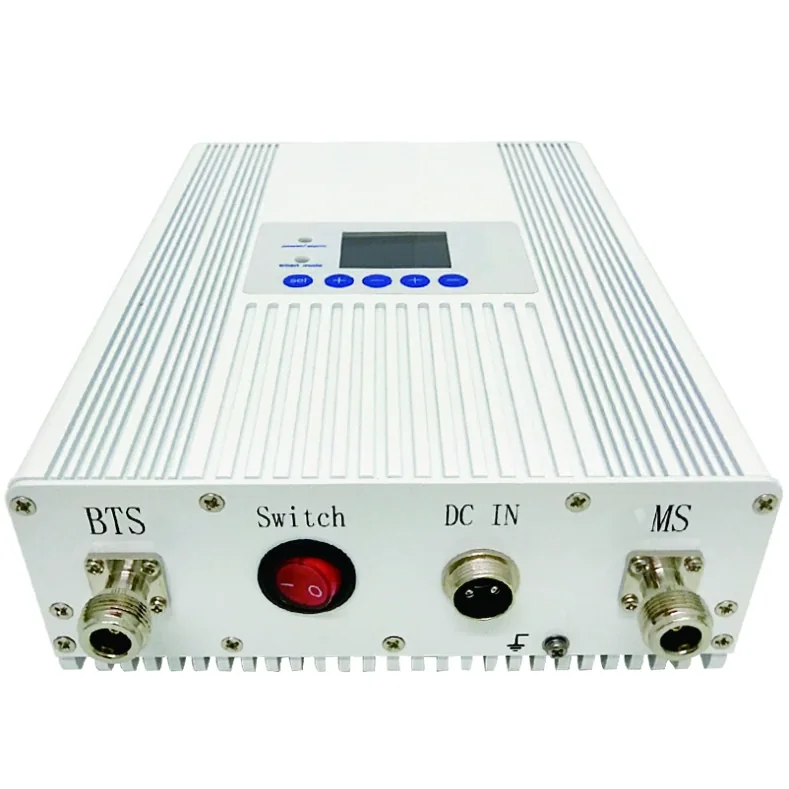
AL-30 Multi-Band LCD Signal Booster
Multi-band booster with LCD display, AGC and isolation detection for 100–3,000 m² coverage.
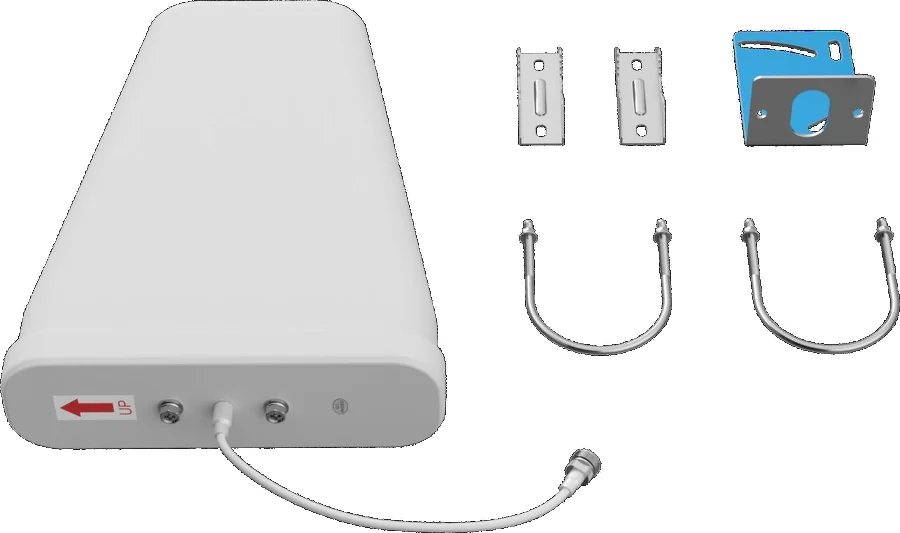
Wideband Log-Periodic Donor Antenna
10 dBi directional outdoor antenna for receiving donor signal.
View Details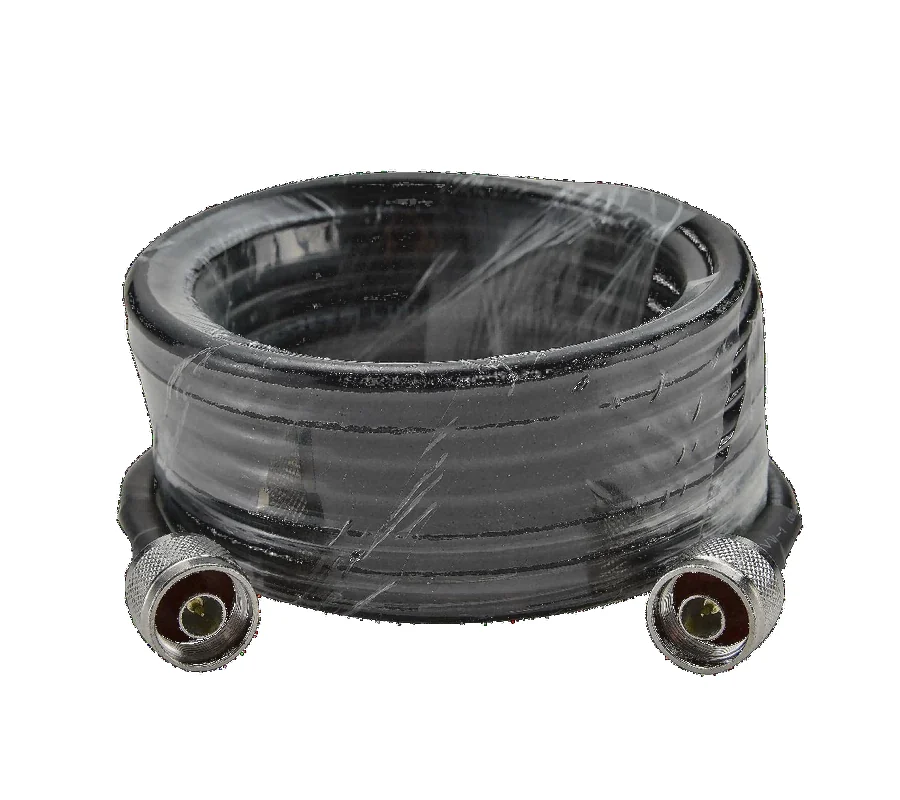
Low-Loss Coaxial Cable
Low-loss 50-5 and 1/2" coaxial cable with N male connectors.
View Details
Outdoor Directional Panel Antenna
7–9 dBi outdoor panel antenna for directional service coverage.
View Details